

Next Step: Connect your Wearable
Visit this page to confirm you've connected your wearable successfully, whether during onboarding or after.
After installing the app, you can either access LE-1 from your phone Home screen or by searching for the app on your phone.

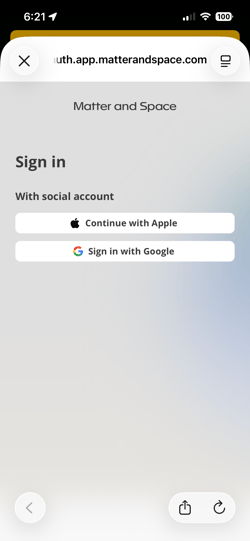
After landing on the Sign In splash screen, log into your MAS account using the email you registered. You'll see that same screen to choose between logging in with your Apple or Google account.
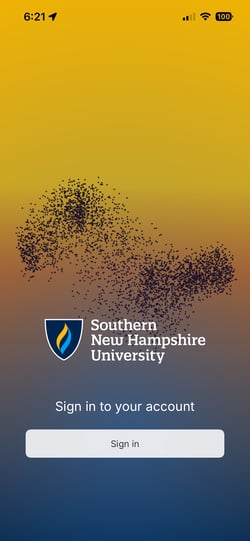 .
. 
You'll go through introductions to the app and L.E., and will complete your first wellbeing self-assessment in onboarding. You'll also have the chance to connect your wearable and turn on notifications.
You can either connect your wearable during onboarding, or after completing in-app onboarding and landing on the Homepage via the Settings menu.
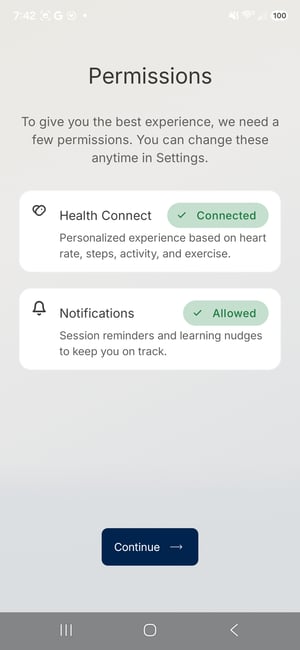
You'll know you've completed onboarding when you see the Homepage.
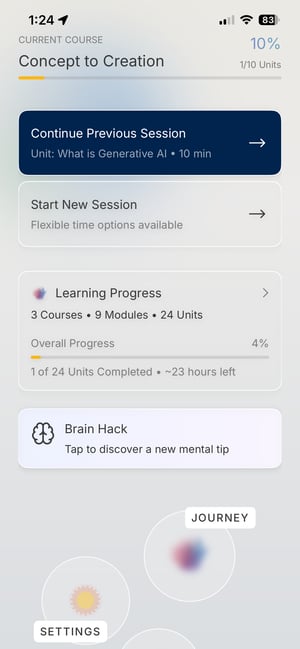
Visit this page to confirm you've connected your wearable successfully, whether during onboarding or after.