
L.E. takes you through:
- How you’ll be scored: the rubric and the four Competency Levels
- The assignment: its title and an overview of the project
- The steps: a quick map of all the tasks, then each task in full, either in chunks or one step at a time
- What to submit: everything your PDF needs to include
- How to submit: the file format, the maximum file size and what happens after you upload
L.E. offers quick-reply buttons, like Show Me the Steps or In Chunks, so you can move through each part with one tap. They’re optional: you can type a reply or a question at any time instead. The one button you must tap is Continue, at the very end.
Why do I need to tap Continue?
At the end of the brief conversation, L.E. shows a Continue button. Tapping it confirms you’ve finished the briefing and are ready to submit, and it’s what makes Upload your assessment appear on your home screen. If you leave without tapping it, the upload option may not appear, and you may need to go through the brief conversation again.
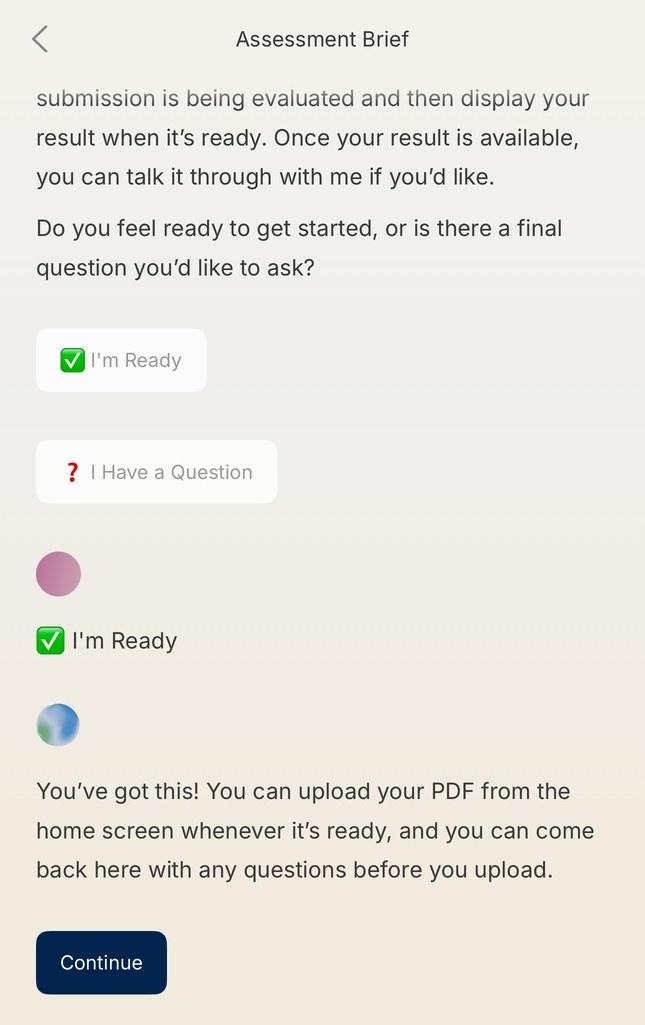
Tap Continue at the end of the brief conversation to unlock the upload option.
What can L.E. help me with?
L.E. can explain what any task or requirement means, tell you which unit a task relates to, and help you think of a setting or scenario from your own work to base your project on. Some assessments also include a checklist, such as the C.R.E.A.T.E. checklist in Course 2, which L.E. can share if you ask.
What won’t L.E. do?
L.E. won’t complete tasks for you, outline how to do them, or give worked examples. The assessment is your chance to show your own thinking and skills, so L.E. will encourage you to apply what you’ve learned.
Can I leave and come back?
Yes. Once you’ve tapped Continue at the end of the brief, you can come back any time before you upload. Tap Chat with L.E. on your home screen and ask L.E. to walk you through any part of the assessment brief again, or ask a question.
If you leave before tapping Continue, you may need to go through the brief conversation again before the upload option appears.