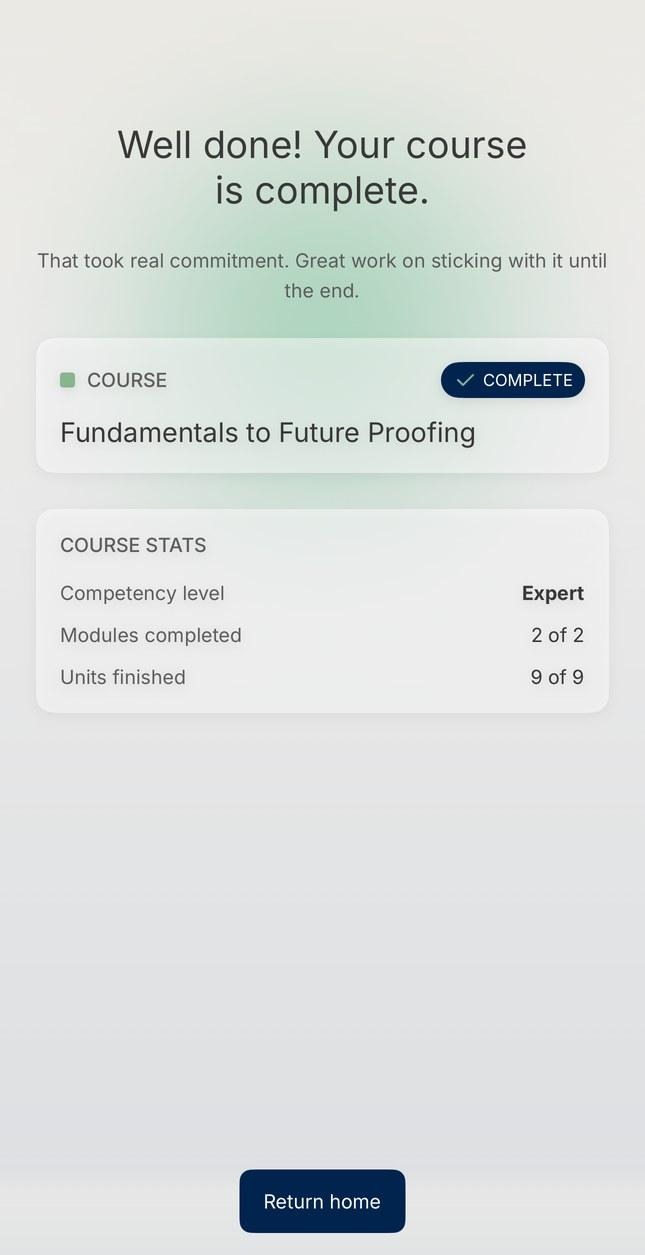
Your home screen then shows Evaluating your submission while your work is graded. It’s usually ready in about 5 minutes, though this can vary. You won’t get a notification, so check back on your home screen.
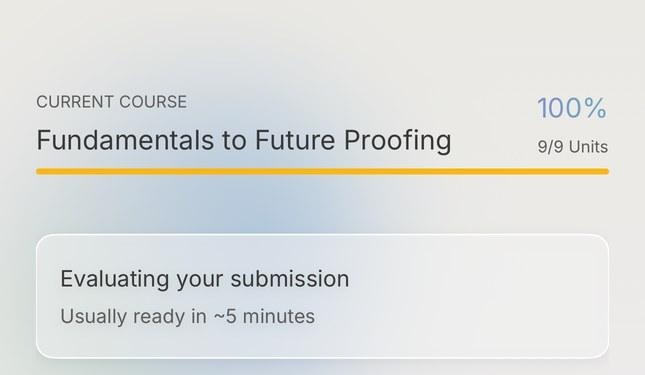
If it still shows Evaluating your submission after about 5 minutes, try closing and reopening the app. That normally refreshes your home screen.
When grading is done, your home screen shows Your assessment is graded. Tap it to see your result:
- Your Competency Level, with a short description of your level
- The four-level scale, with your level marked as current
- A Summary of your feedback
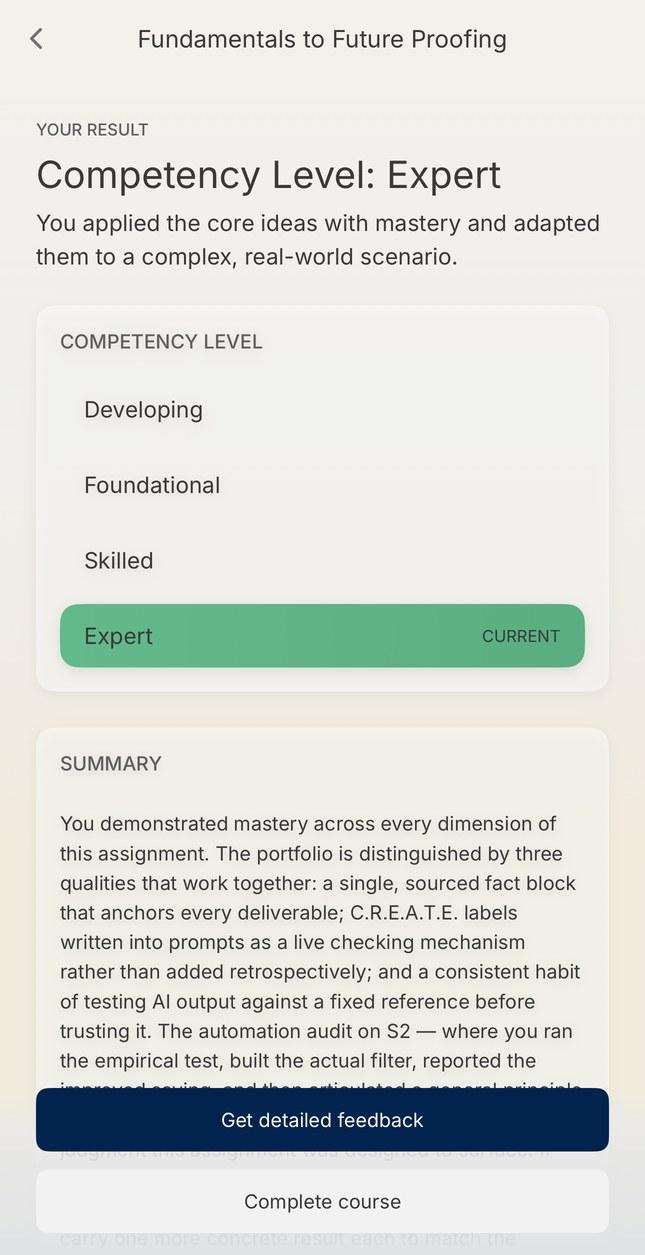
What is Get detailed feedback?
On your results screen, tap Get detailed feedback to open an optional conversation with L.E. about your feedback. L.E. will give you a quick overview, then you can go through your feedback topic by topic, get your key strengths and next steps, or dig deeper into anything you’d like to understand better. You can wrap up whenever you like.
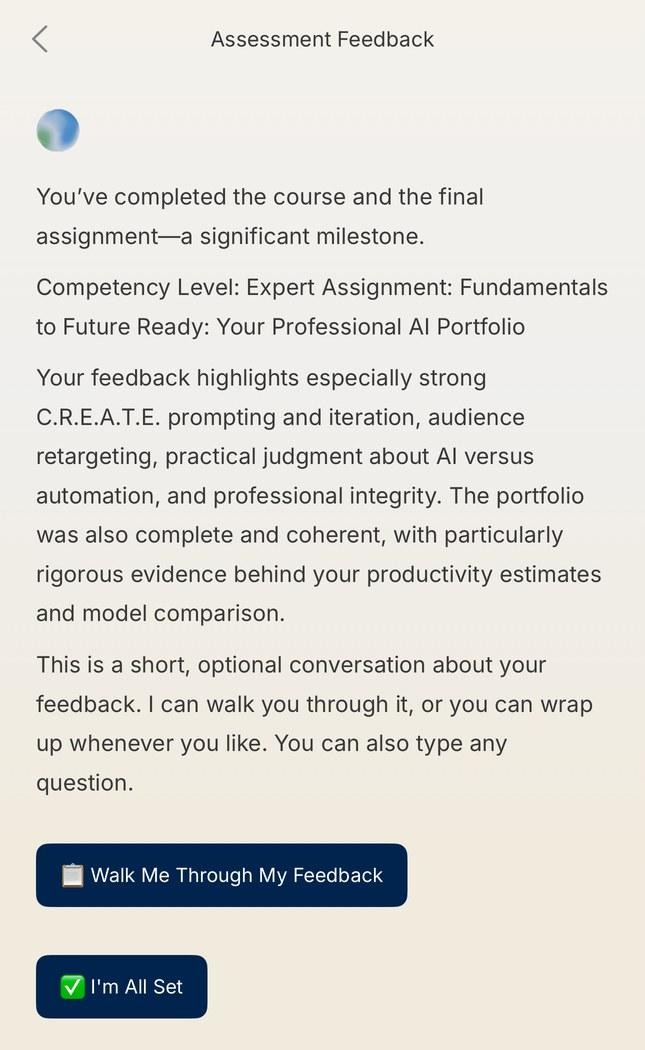
As in the brief conversation, you can tap the quick-reply buttons to move through your feedback, or type a question at any time.
L.E. sees your feedback but not your submission itself, so its explanations are based on what your feedback says.
Then what?
When you’re done talking it through, tap Continue at the end of the conversation. If you’d rather skip the conversation, tap Complete course on your results screen instead. Either way, you’ll see Well done! Your course is complete., with your Competency Level and course stats, and you’re ready to move on to the next course. Congratulations!